
The deck
heighten deck
The wireless deck. A square, matte black object that turns any desk into a heighten workstation: place your phone on it and your screen, keyboard and trackpad take over.
Place
Place your phone. Flat.
Your phone lies on the deck in landscape, centred on a copper ring. It charges wirelessly and connects in a few seconds: heighten Desktop opens on your screen.

Wireless
One cable. The power cable.
The screen is linked to the deck wirelessly. The keyboard and trackpad, or a mouse, connect over Bluetooth to the deck rather than to the phone, so they drive any phone placed on it. Nothing is left lying around on the desk.

Design
It floats.
A block 190 × 190 mm and 38 mm high, with generously rounded corners, in a deep matte black. It seems to float 8 mm above the desk on a recessed base that casts a copper glow. The word heighten is inlaid in copper; not a single screw is visible.

In detail
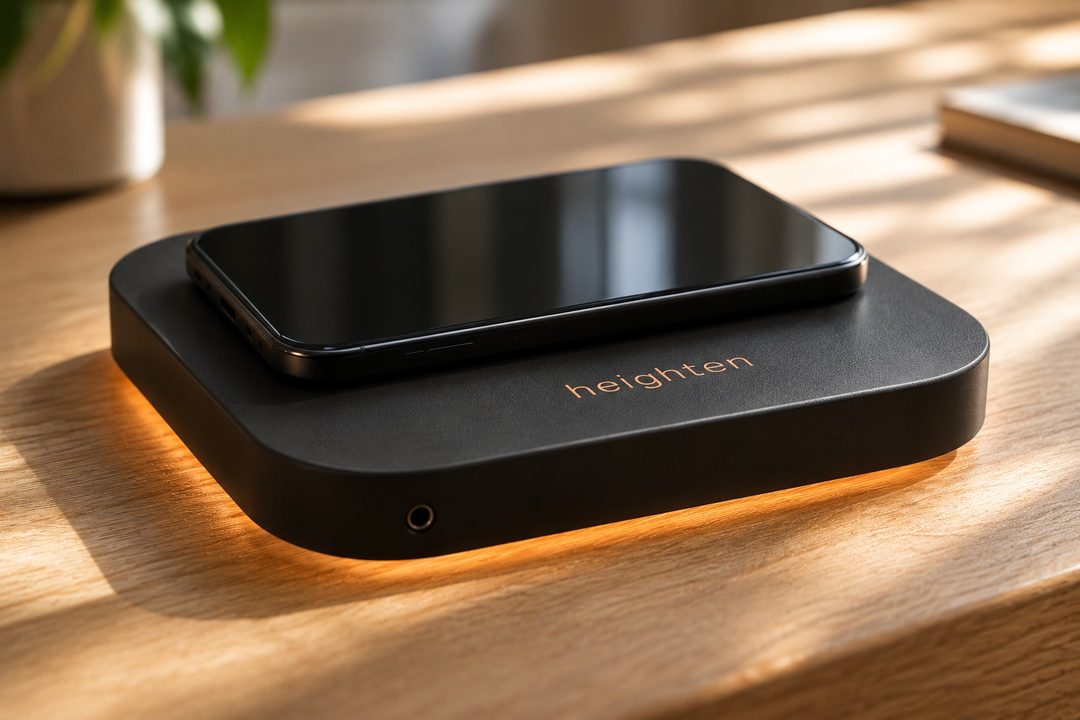
Wireless charging
A charger hidden under the copper ring charges your phone at up to 15 W depending on the model. iPhone snaps on magnetically and centres itself.
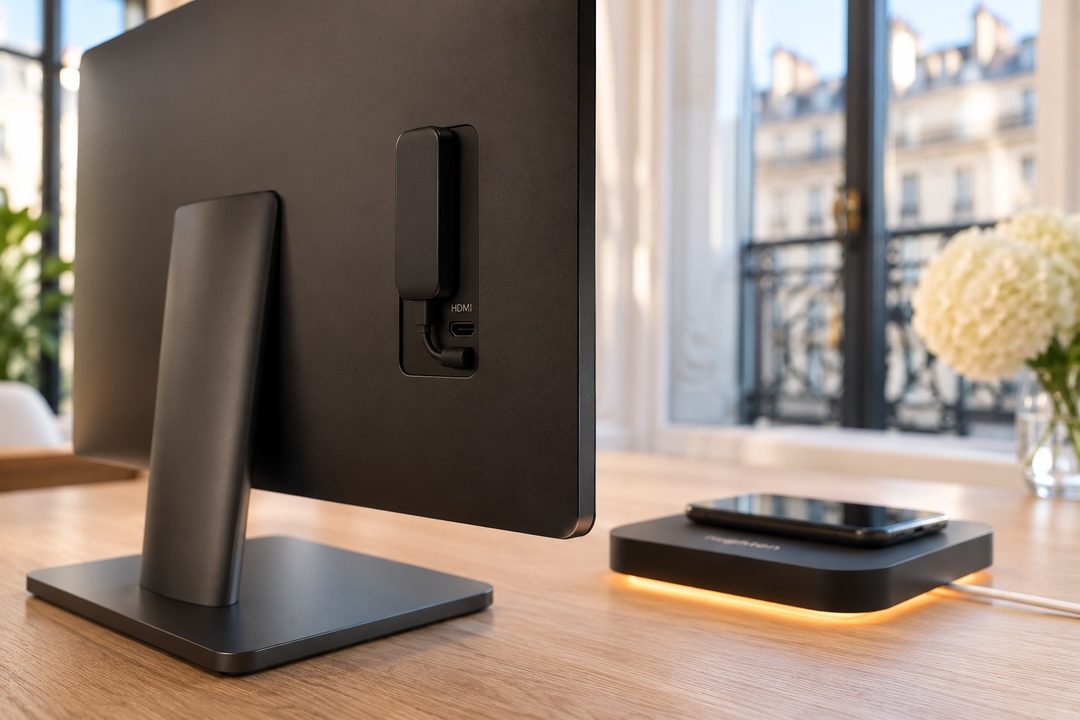
Wireless screen
The deck sends the picture to a small receiver attached to the back of your screen. An HDMI port at the rear also lets you connect it by cable.
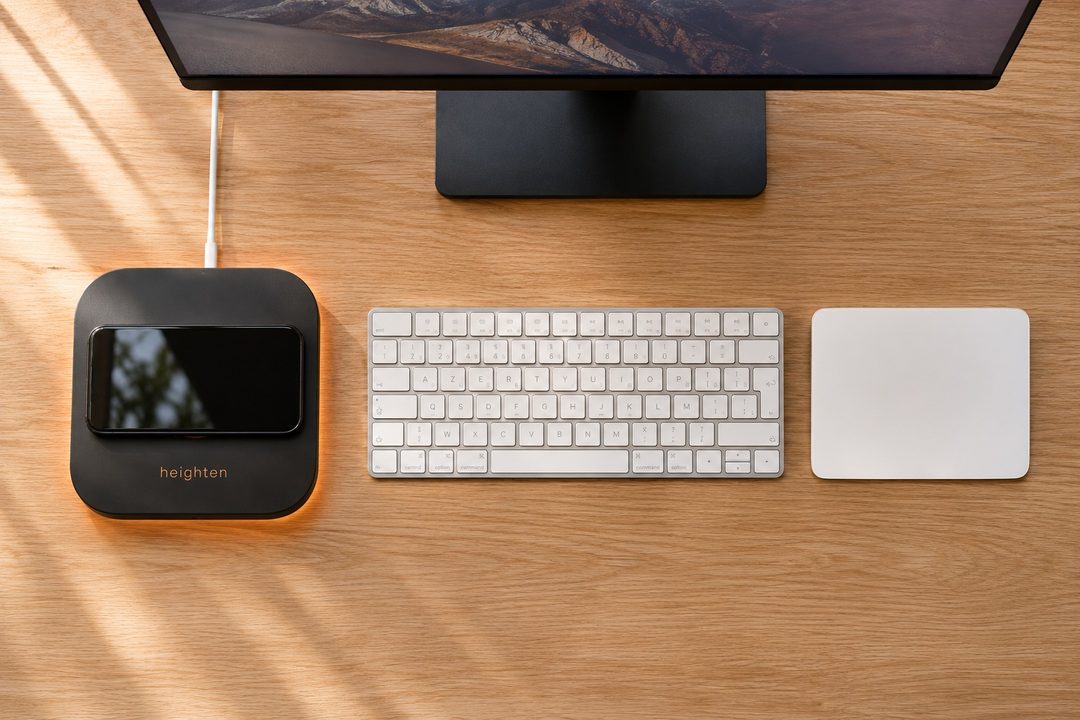
Keyboard and pointing
Bluetooth keyboard, trackpad or mouse: a long press on the rear button pairs them with the deck. They stay ready for the next phone.
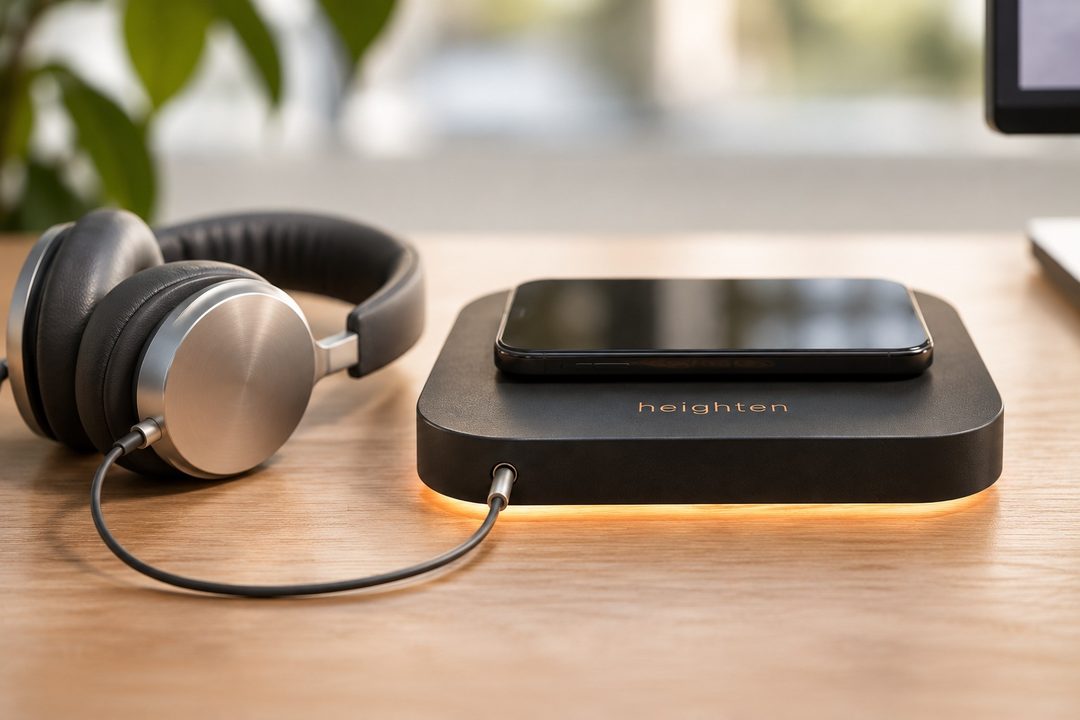
Sound
Two built-in speakers for your calls and videos, and a headphone jack at the front for headphones or speakers.
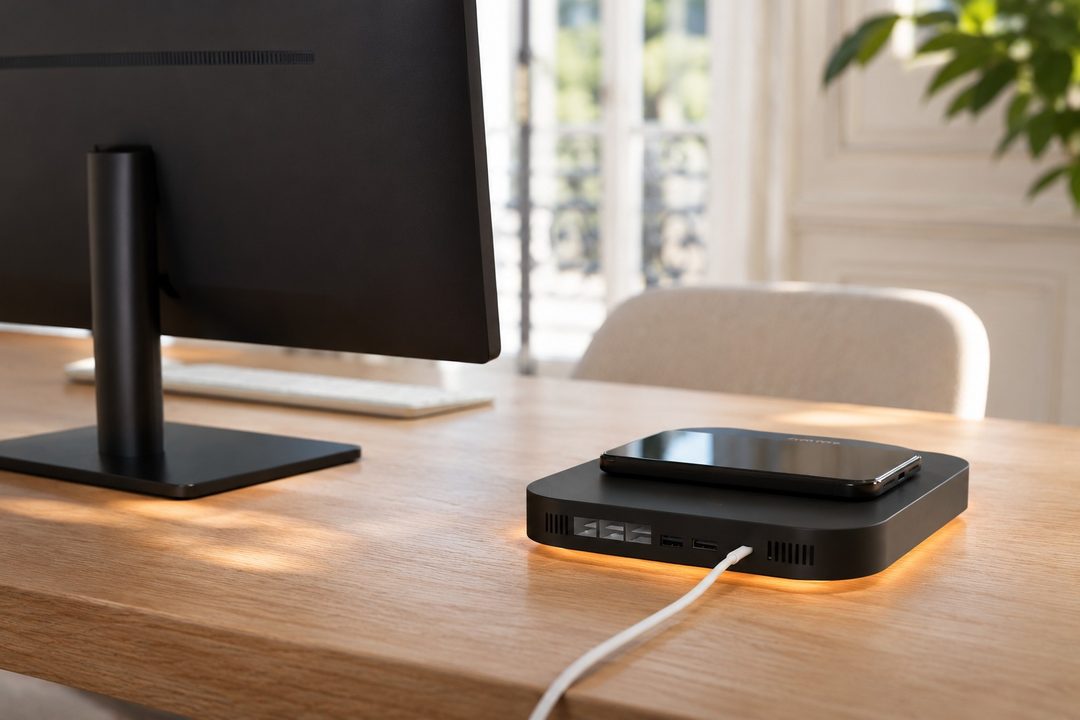
Connectivity
At the back, as on a compact computer: Ethernet, four USB ports, an HDMI output and the USB-C input. Nothing sticks out at the front.
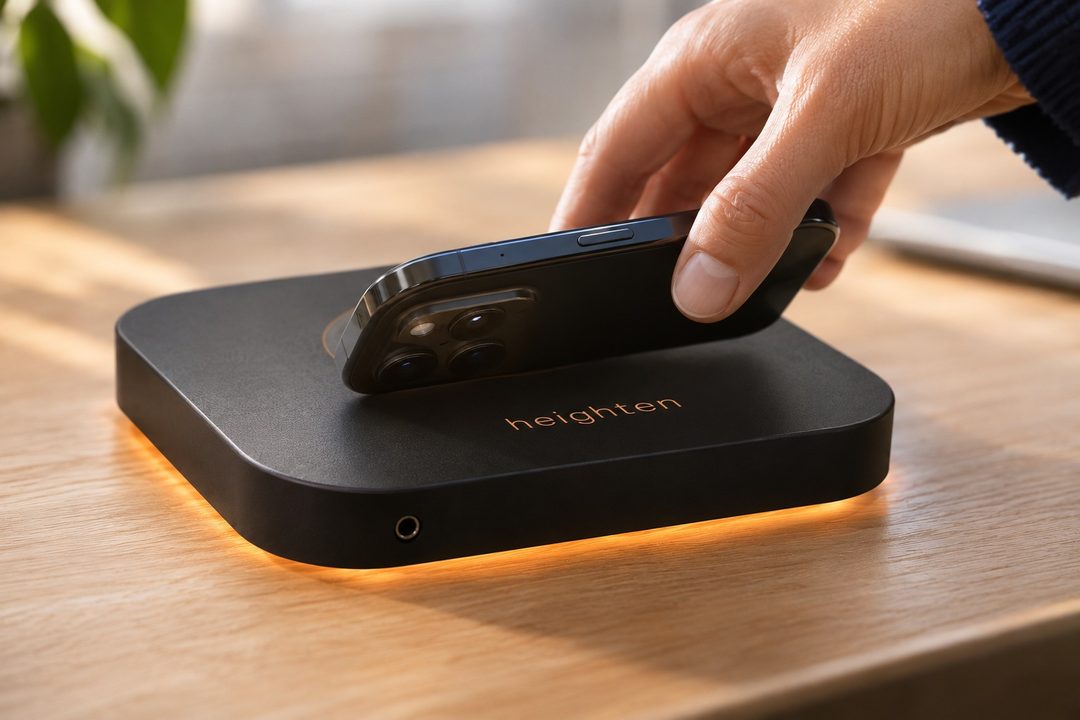
Pairing
A QR code, a six-digit code or simply touching the phone to the word heighten (NFC): the first connection takes a few seconds, the following ones are automatic.


Wherever you work
On the desk you already have.
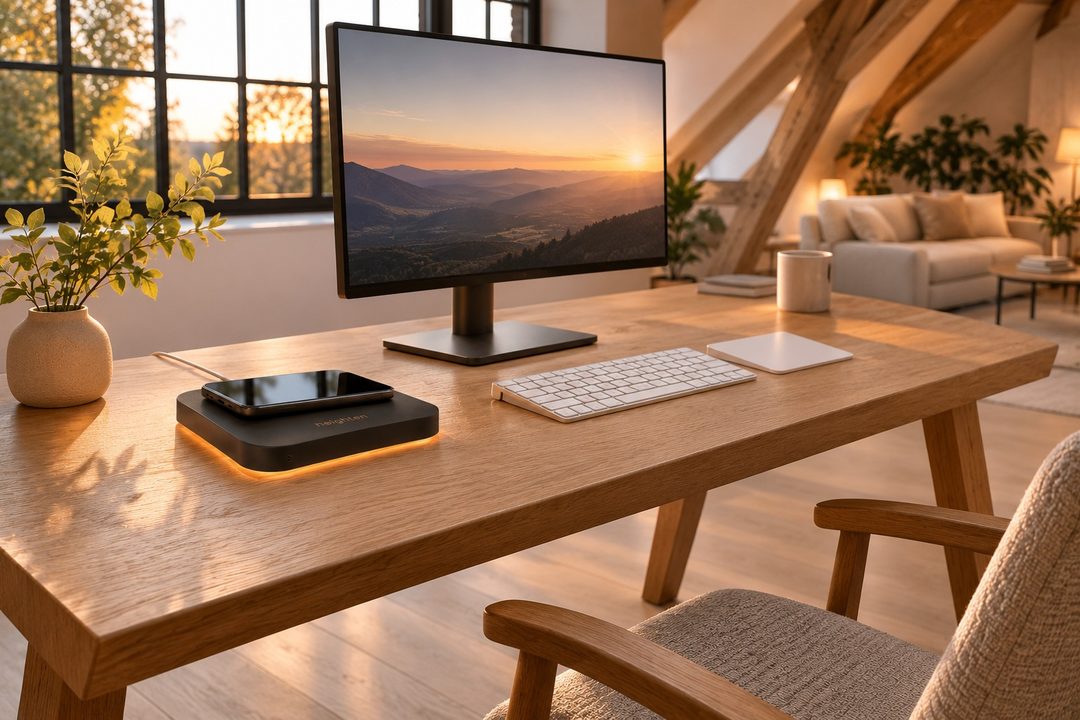
At home
Your desk stays yours: the deck sits on it, discreetly, and makes it a complete workstation.
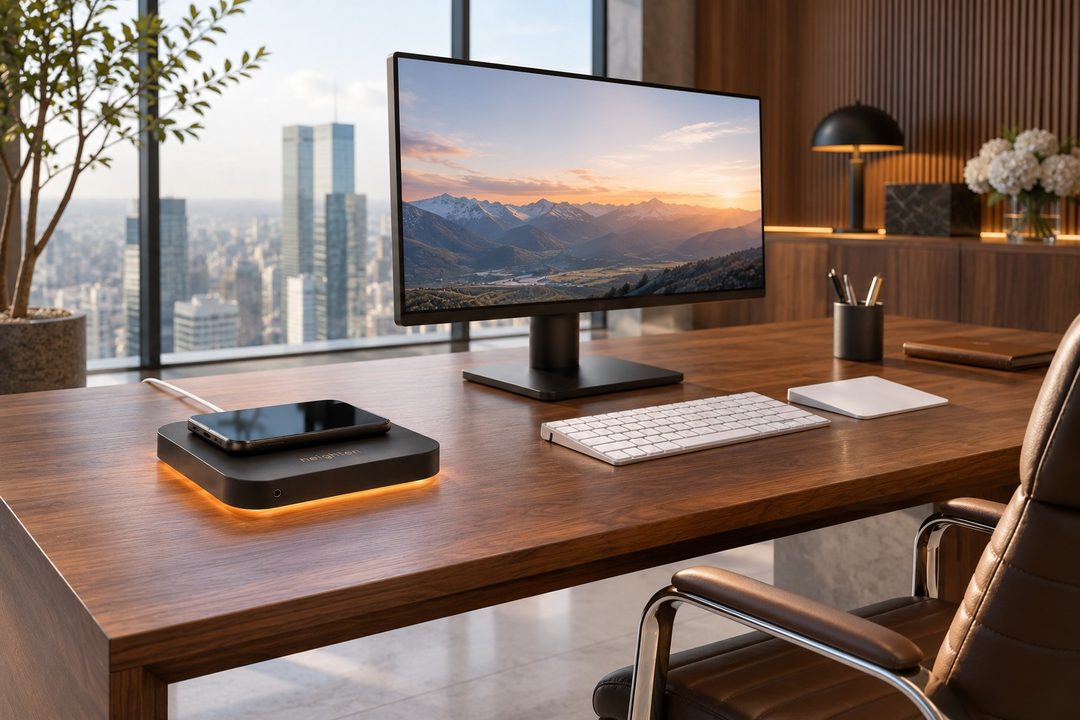
At the office
Existing desks become shared workstations, with no computers to manage.

In coworking spaces
One deck per desk: each member arrives with a phone and leaves nothing behind.
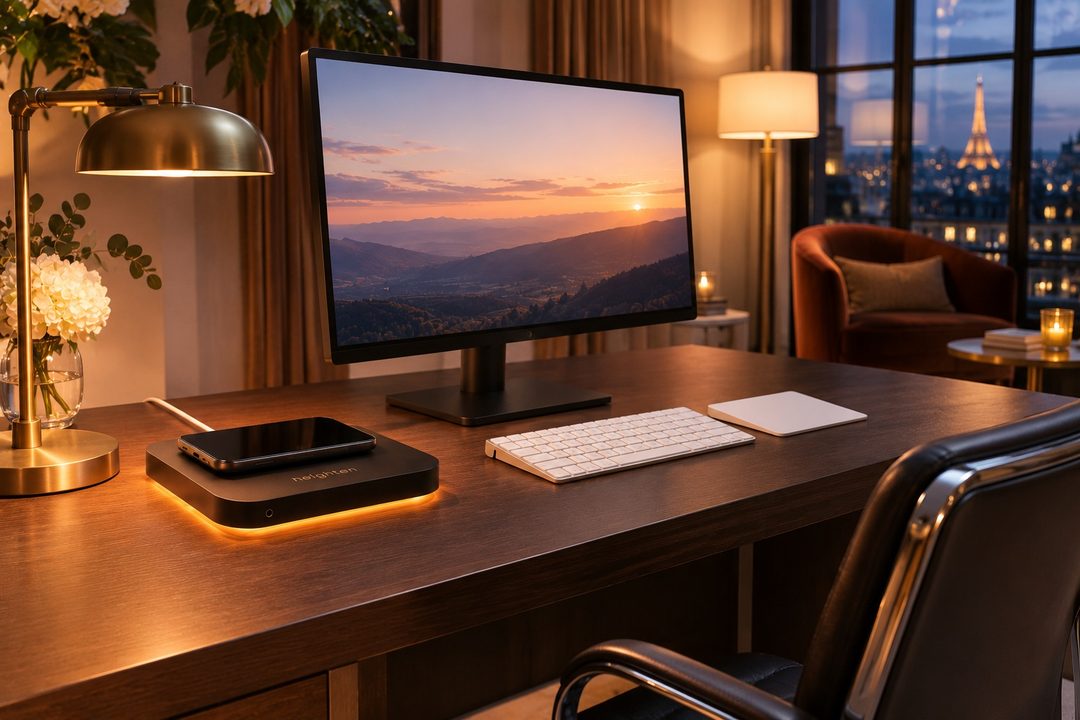
In hotels
A screen, a keyboard, a deck: the room becomes an office for the length of the stay.
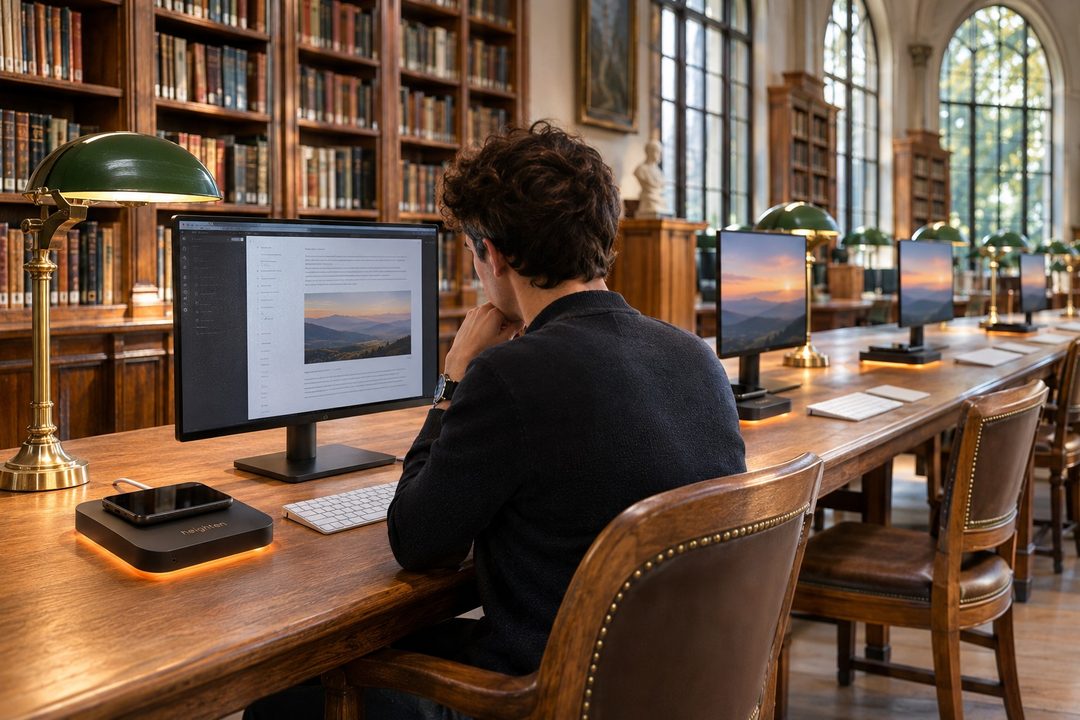
On campus
Study spaces equipped for every phone, on the furniture already in place.


Choose
The desk or the deck?
| The heighten desk | The heighten deck | |
|---|---|---|
| The idea | A complete desk that hides a workstation and transforms by itself | An object you place on your desk, linking it to your screen |
| Screen | 27-inch 4K, built in and retractable | Your own, linked wirelessly |
| Keyboard and pointing | Built-in flush keyboard and touchpad | Your own, over Bluetooth: trackpad or mouse |
| Charging | Free position, on two large zones of the top | On the deck’s ring |
| Installation | A piece of furniture, plugged into the mains | Placed on the desk, one USB-C cable |
| For | New spaces, executive offices, hospitality | Equipping existing desks, at home and at work |
Specifications
| Dimensions | 190 × 190 mm, height 38 mm |
|---|---|
| Finish | Matte black, copper inlays, light glow |
| Phone | Lies flat, in landscape, on the charging ring |
| Charging | Wireless, up to 15 W depending on the model |
| Screen | Any HDMI screen, linked wirelessly or by cable |
| Input | Bluetooth keyboard, trackpad or mouse |
| Sound | 2 built-in speakers, 3.5 mm headphone jack |
| Ports | Ethernet, 4 × USB-A, HDMI, USB-C input |
| Power | One USB-C cable (100 W charger) |
| Pairing | QR code, NFC or 6-digit code |
| Compatibility | iPhone, iPad (iOS 17 or later), Android 10 or later |
The heighten deck is in development. The specifications shown are design values.
Discover heighten in person.
Private demonstrations, a pilot programme for businesses, availability updates.